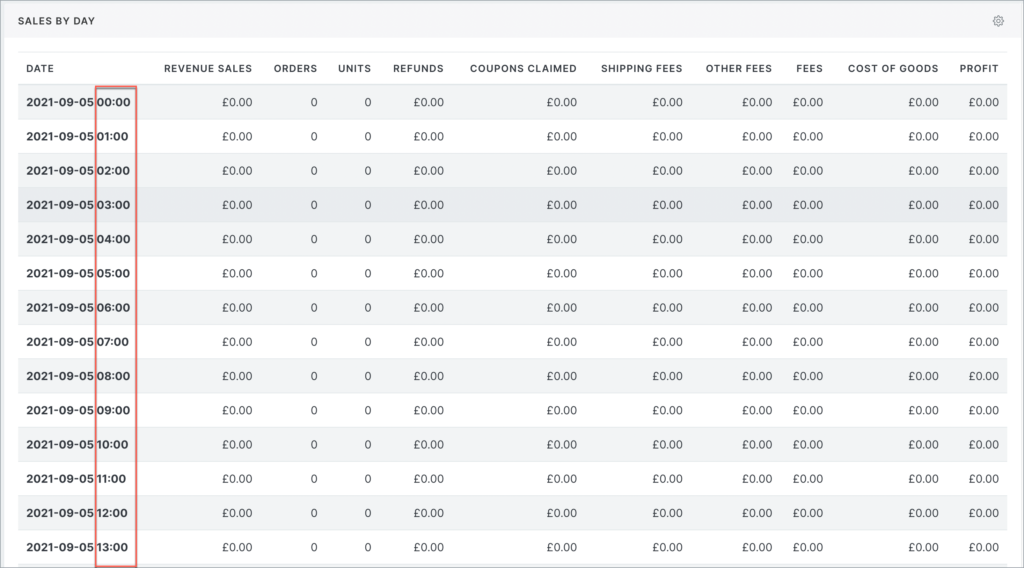
Blue Odin can help you view your WooCommerce store’s daily and hourly sales.
To view all of your daily sales, go to Metrics > Sales By Day.
This is what the SALES BY DAY section looks like:
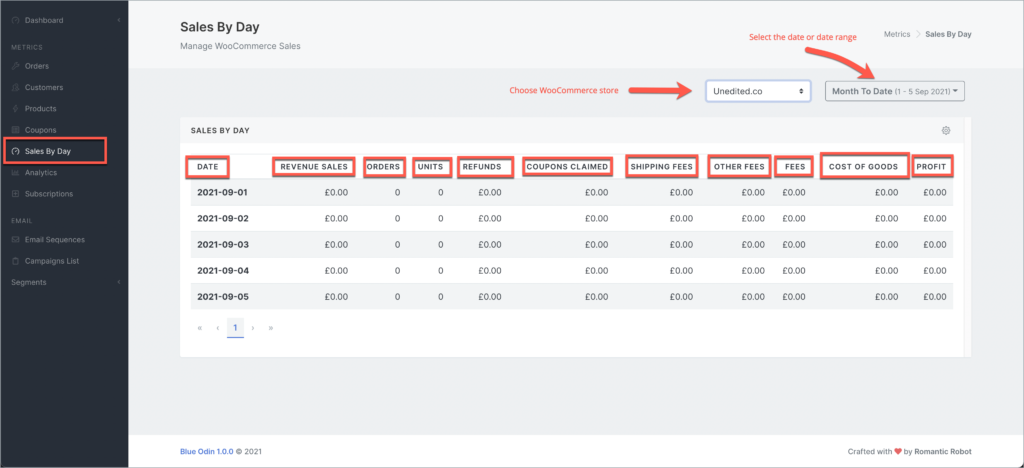
Here’s what the columns in the screenshot above mean:
DATE
The date when sales were made.
REVENUE SALES
The total amount of sales made in a particular day, NOT including refunds, coupons claimed, shipping, and other fees.
ORDERS
Total number of orders made daily.
UNITS
Total number of units/products sold for the day.
REFUNDS
Total amount refunded on a specific date.
COUPONS CLAIMED
Total amount of coupons used by customers.
SHIPPING FEES
Total shipping fees paid by customers.
OTHER FEES
Other fees paid by the customers as specified in your WooCommerce settings.
FEES
Any other fees specified in your WooCommerce store that the customers paid for.
COST OF GOODS
Sum of the daily cost of goods.
PROFIT
Total daily profit derived from subtracting the cost of goods from revenue sales.
How to view your HOURLY SALES
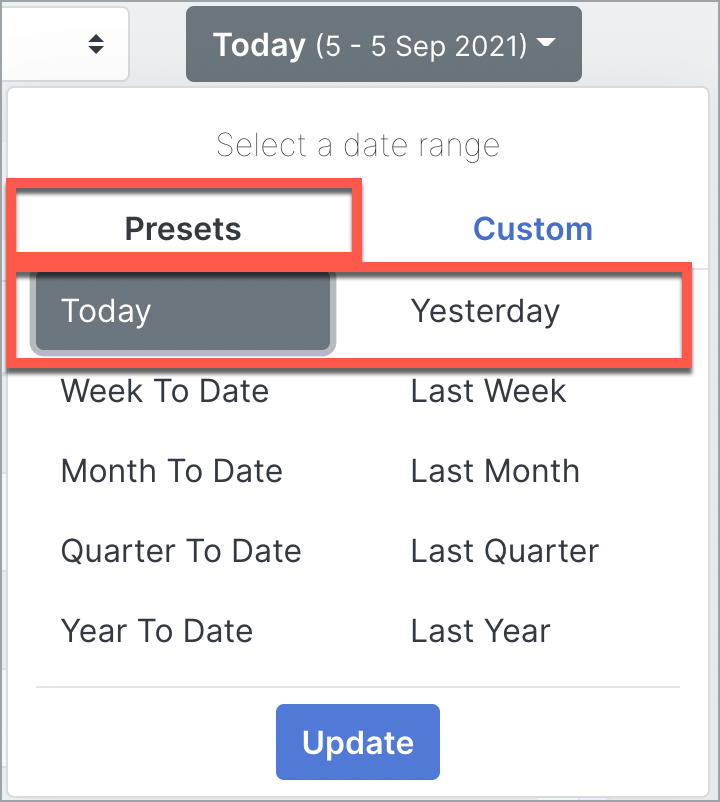
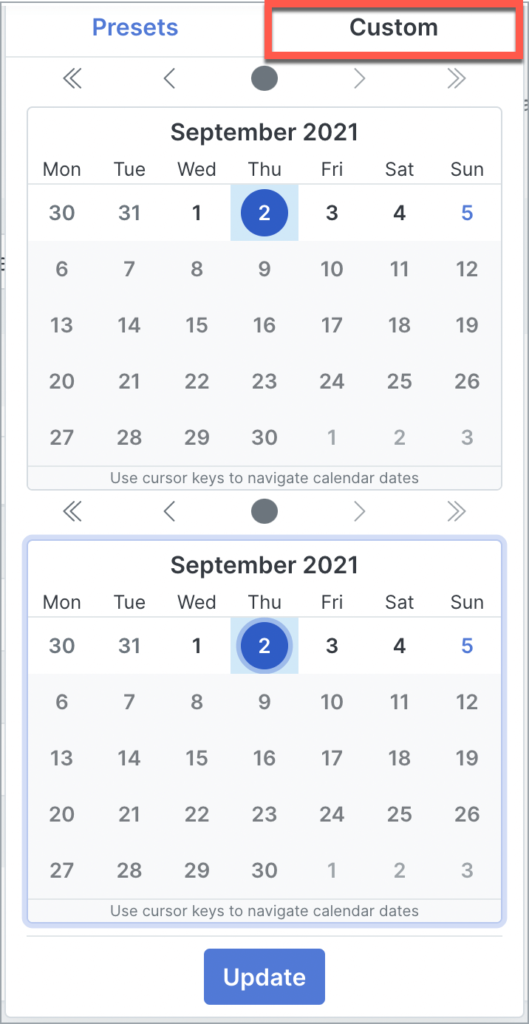
To view your hourly sales, change the date to a single-day view, e.g. Today, Yesterday, or choose a specific day in the Custom tab.
Here’s an example of an hourly sales report