Blue Odin imports your WooCommerce coupon data.
To view all of your coupons, go to Metrics > Coupons.
This is what the COUPONS section looks like:
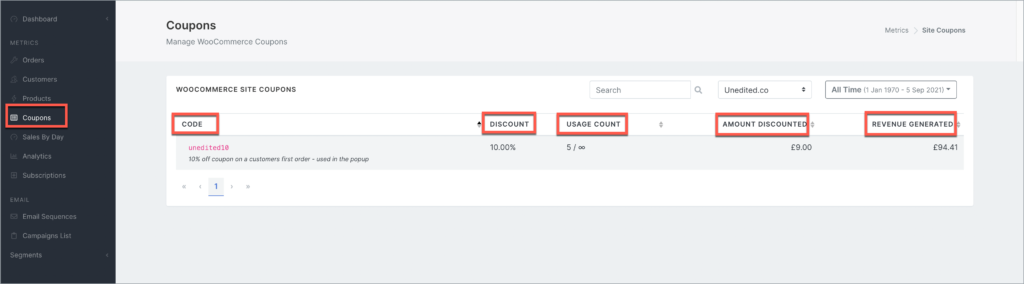
Here’s what the columns in the screenshot above mean:
CODE
The coupon code imported from WooCommerce.
DISCOUNT
Percentage discount applied to the order.
USAGE COUNT
How many times the coupon has been used as well as the max limit.
AMOUNT DISCOUNTED
Total amount given as discount to all customers who used it.
REVENUE GENERATED
Total amount of revenue generated by the discount.
What can you do in the Blue Odin Coupons section?
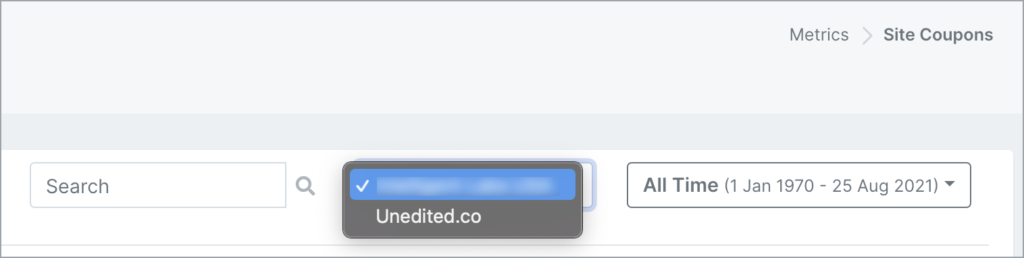
First, make sure you’re looking at the right store.
You can select the store in the dropdown menu.
You can SEARCH for coupons by:
- Typing it in the search bar
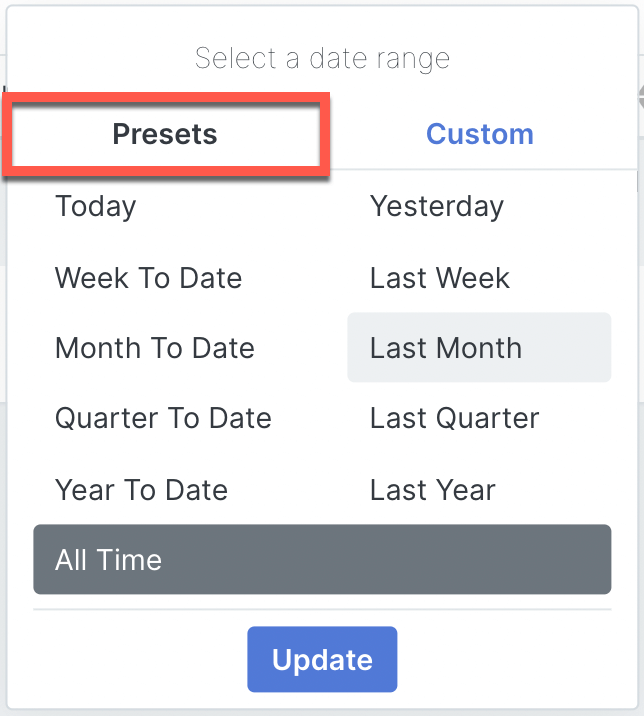
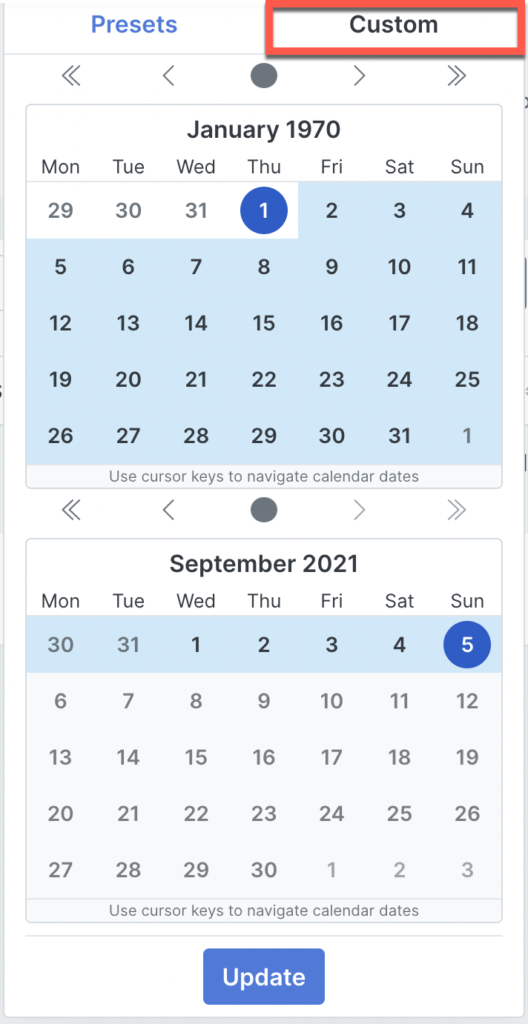
- Selecting a DATE RANGE from the Presets tab or Custom tab (see below)